
The books
One clean feed to the accountant, every day.
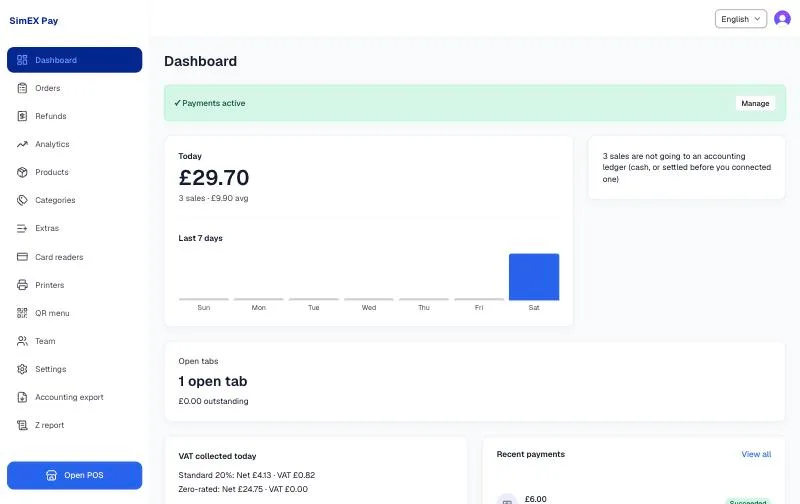
Most tills send a lump at month end. SimEX Pay posts each sale and each refund as its own document, with the VAT split by rate, the same day.
Sage and Xero
Connected in a minute. Sign in to Sage or Xero from the dashboard and choose the business. Disconnect any time.
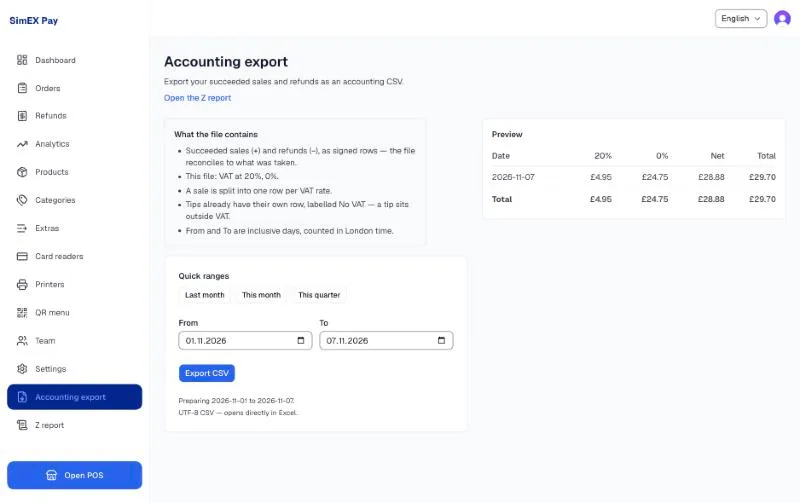
Per transaction, not per month. Every card and Pay by Bank sale posts as a sales receipt with its VAT lines; every refund as a matching credit. Cash stays in the Z report and the CSV, where your accountant expects it.
Retries by itself. If Sage or Xero is unavailable, the posting waits and goes through later; the dashboard tells you if anything is still pending.
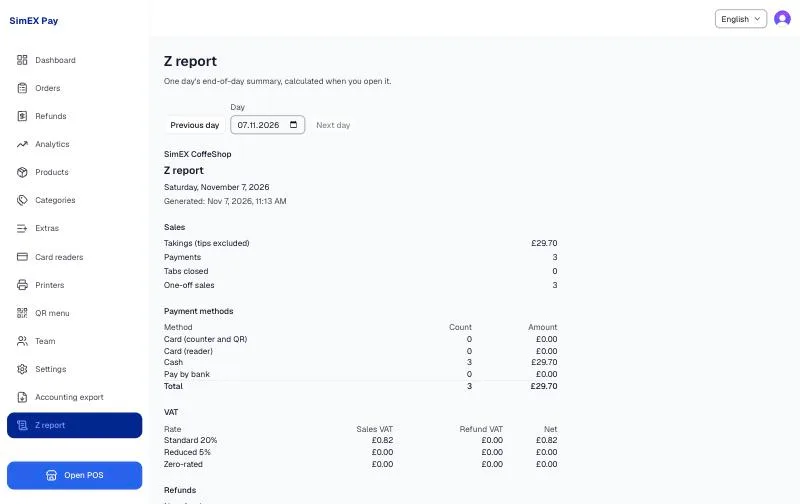
The Z report
Calculated when you open it, for today or any past day. Takings with tips excluded; payments by method (card at the counter or QR, card on the reader, cash, Pay by Bank); VAT by rate with sales and refunds separated; refunds and pending refunds; tips, cash and non-cash; write-offs; open tabs and what is still owed; failed and cancelled card attempts; delivery orders. Print it, or export the day's transactions.
VAT, properly
A rate per item. Standard, reduced or zero, set once on the product; the Quick Sale numpad uses your default.
VAT invoices. With your registration number and business address, issued from the till when a customer asks.
Not a VAT return. The export and the ledger are the record; the Z report is the day's summary. We say so on the report.
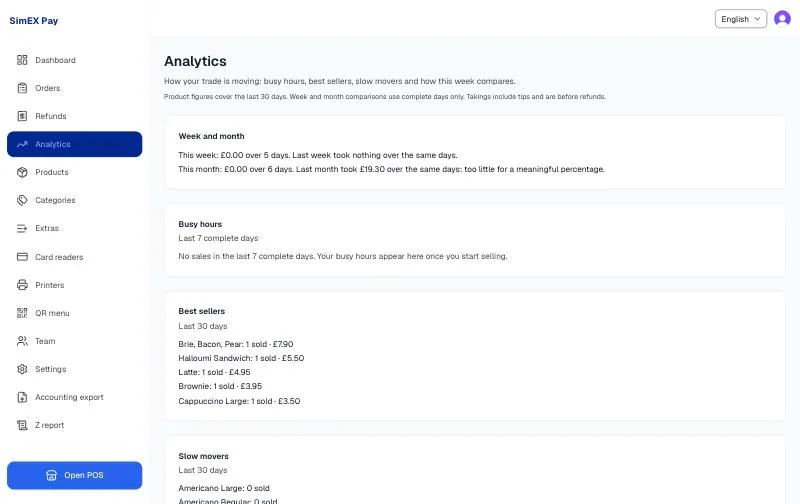
Screens shown are from a live SimEX Pay account.
See it on your own counter.
Fifteen minutes with your menu, your printer and a card. No contract afterwards, and your old till stays switched on while you decide.